
The idea
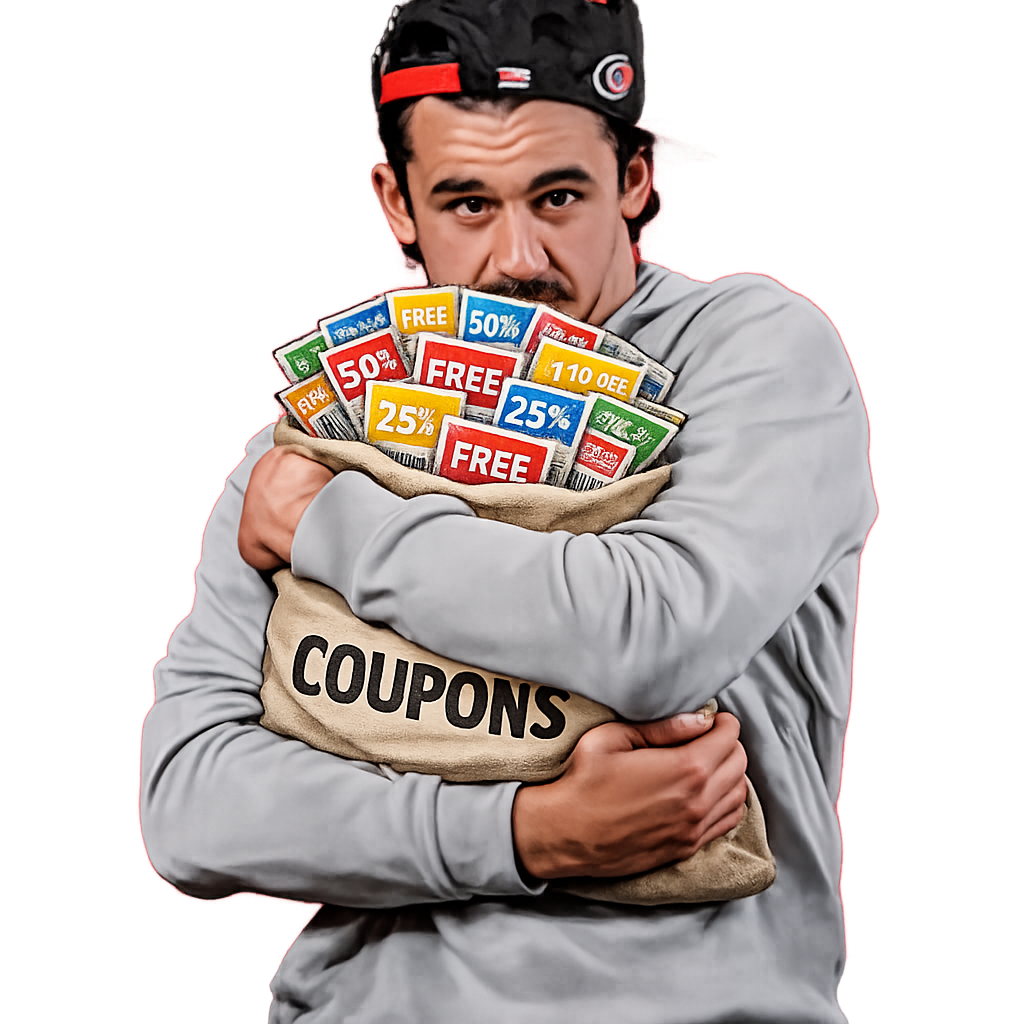
After every Hurricanes game, local sponsors run post-game promos. The deals rotate season to season, but the complexity doesn’t. Each promo has its own trigger logic, redemption window and edge cases. A free Bo-Berry Biscuit from Bojangles might require a power play goal. A BOGO from Alpaca might only kick in after a road win. Han-Dee Hugo’s might offer a free Pepsi, but only after a shutout. Some triggers check yesterday’s box score, others depend on today’s schedule or the monthly calendar. A few only matter if the game was home or away.
No single place to check what you actually earned. I wanted to fix that. And I wanted a system that could adapt when sponsors change their rules or new deals show up next season, without rewriting the app.
Who it’s for
- The morning-after fan. Wakes up, checks the score, wants to know if they earned free food before heading out. Needs a fast answer, not a deep dive.
- The game-day fan. Has the app open during the game. Watching the shutout hold, counting PP goals, hoping for a hat trick. Wants to see promos build in real time.
- The share-it fan. Texts the link to the group chat after a big win. Wants a clean preview in iMessage and a quick summary they can screenshot.
- Me, the admin. Needs to update promo rules, swap sponsors, upload logos, and tweak AI prompts without pushing code.
Scriptable script
Problem: I wanted a quick personal check: did last night’s game score me any free food?
Solution: Built a Scriptable script that hits the NHL Stats API, evaluates six promo trigger conditions (power play goals, shutouts, away wins, hat tricks, etc.), and returns a JSON result I could wire into iOS Shortcuts.
Outcome: Worked great for me, but nobody else could use it without Scriptable installed.
Web app on Cloudflare
Problem: I wanted something I could share with other fans. A link I could text after a game.
Solution: Ported the engine to a Next.js app on Cloudflare Pages using the OpenNext adapter for Workers compatibility. The core fetches from the undocumented NHL Stats API and handles the timezone edge case where Cloudflare Workers run UTC but the NHL operates in Eastern. Added smart caching with KV that adapts to game state: live games get short TTLs for fresh scores, final games get longer TTLs since the data won’t change, and off-days get the longest TTLs to avoid burning through Cloudflare’s free-tier KV limits when there’s nothing new to fetch.
Outcome: Shipped at CanesCellys.com with auto-deploy on merge to main. Rebranded from “Caniac Promo Checker” to “Canes Cellys” with dark mode, a hero image and proper OG metadata for social sharing.
The promo engine
Problem: Seven sponsors, seven different trigger conditions, different redemption windows. Some promos depend on yesterday’s game, others on today’s schedule. Hardcoding the logic meant touching code every time rules changed.
Solution: Built a dispatch-table pattern where each trigger type (power play goal, shutout win, away win, hat trick, game on a specific day, last home game of the month) maps to a pure function. Promos are evaluated as definitions: a sponsor, a trigger reference, a timing window and a message. The engine checks all seven, encodes results as a binary string, and returns which ones are active with supporting data (hat trick player name, PP goal count, etc.).
Outcome: Adding a new promo means adding a definition entry and a checker function. No if/else chains, no spaghetti. The engine handles seven promos across Gym Tacos, Bojangles, Alpaca, Chick-fil-A, Han-Dee Hugo’s, Carolina Pro Shop, and Take 5.
Admin dashboard
Problem: Promo rules change mid-season. The Chick-fil-A trigger switched from “last home game of the month” to “last home game win.” I didn’t want to push code every time a sponsor tweaked their deal.
Solution: Built a KV-backed admin dashboard with three tabs. The Promos tab has collapsible cards for each sponsor with drag-to-reorder, logo uploads, emoji pickers, redemption steps (rendered as markdown), and active/inactive toggles. The Triggers tab lets me create and manage trigger instances with usage counts and watch configuration. The Settings tab controls AI combo messages, cache management, display field toggles and the “no promos” fallback message.
Outcome: When the CFA trigger changed, it was a config update instead of a code change. Schema versioning handles migrations automatically so old config formats upgrade on read.
Sharing and social
Problem: After a big win, fans want to share results. A plain link doesn’t tell you anything in a group chat.
Solution: Added native Web Share API on mobile with a share button. Dynamic OG metadata generates previews that show the current promo count. The share message includes which promos are active so the link preview is useful before you even tap it.
Outcome: Links preview cleanly in iMessage and social apps. The share CTA reads like a fan, not an ad.
AI combo messages
Problem: When multiple promos trigger at once (a shutout road win on a Tuesday, say), listing them isn’t fun. “Bojangles + Alpaca + Gym Tacos” reads like a receipt.
Solution: Wired up the Claude API (Haiku model, 2-second timeout) to generate a playful combo message when two or more promos are active. The admin dashboard controls the prompt template so I can adjust the tone without touching code. Results cache in KV with version-stamped keys that auto-expire when the config changes. If the AI call times out, a generic fallback fires immediately and a background retry caches the result for next time.
Outcome: Multi-promo days get a custom message instead of a bullet list. The fallback keeps the page fast regardless of API latency.
Live game tracking
Problem: During a game, you want to know if promos are building. Is the shutout still intact? Are we close to a hat trick?
Solution: Added Promo Watch, real-time progress badges on the game card that update every 3 minutes. Tracks PP goals, shutout status, away win progress, and hat trick contenders during live games. Each tracker shows contextual detail: “2 PP goals” or “Ehlers: 2/3 goals” for hat trick watch. When a threshold is met, the badge flips from “tracking” to “confirmed.”
Outcome: The app went from a morning-after check to something worth opening during the game.
All Promos page and redemption guides
Problem: Fans wanted a reference for every active promo, not just today’s results. Each deal has different redemption steps (wear gear, use an app, show up by midnight) and it’s easy to forget the details.
Solution: Built a dedicated /promos page listing every sponsor promo with “Active Today” badges, sponsor logos, offer details and collapsible “How to Redeem” sections with step-by-step markdown instructions. Display fields are admin-configurable so I can show or hide sections without a deploy.
Outcome: The page works as a season-long reference guide. Fans bookmark it and check back when they’re unsure how to actually claim a deal.
Changelog and sound
Problem: Returning users had no idea what changed between visits. And promo confirmations felt flat on screen.
Solution: Added a /changelog page with a timeline of updates grouped by date. Also added a sound toggle that plays Petey Pablo’s “Raise Up” when promos are active. When muted, the Petey icon pulses with a subtle glow to signal that sound is available.
Outcome: Small touches that make the app feel like a living product, not a static page.
Season stats
Problem: After a big promo night, there was no way to see the bigger picture. How many cellys all season? Which player triggered the most? What was the best game?
Solution: Built a /stats page that evaluates every completed game in the season against the current promo definitions. The engine processes games in chunks of 10 per request to stay within Cloudflare’s free-tier subrequest limit, caching results in KV. The page shows an earned cellys donut chart, a player leaderboard ranked by who triggered the most promos, a month-grouped game log, and a standing deals frequency list. When the season ends, a season-in-review hero highlights the top stats. Each section has its own shareable OG image generated with satori, and a season selector dropdown supports browsing archived seasons with frozen promo definitions.
Outcome: The app went from a daily check to a full season companion. Fans can see streaks, compare players, and share stats cards.
Celly counter
Problem: Petey’s sound toggle was fun but isolated. Tapping it felt like a solo celebration. There was no sense of how many fans were celly-ing along with you.
Solution: Added a community celly counter to Petey. Each unmute tap records a celly via a daily KV counter that resets per Eastern-time date. A badge on the Petey icon shows the live count, polled every 30 seconds. The first person to celly each day gets a toast notification with a share option. On hover or tap, the badge expands to read “cellys with Petey” for context on what the number means.
Outcome: A single-player mute button became a shared ritual. Fans can see that other people are celebrating too.
Immersive celly mode
Problem: The beat-reactive effects were subtle — a shadow pulse on promo cards. On a big win night with the anthem blasting, it didn’t feel like a real celebration.
Solution: Replaced the shadow-only effects with a layered immersive system. When Petey plays, the entire page responds: the content card glows red on every kick drum transient, promo cards breathe and ripple in a staggered wave, a radial pulse sweeps the full viewport, and the screen edges vignette on hard beats. A slow-drifting gradient washes across the background while Canes logos rain from the top of the screen on the heaviest hits. First-celly-of-the-day triggers a confetti shower. Beat detection uses transient analysis with wider frequency bins to keep the pumps smooth and avoid false triggers. Haptic feedback fires on Android devices.
Outcome: Hitting Petey after a win now feels like being in the arena. The page becomes the celebration instead of just reporting one.
Celly watch and earned summary
Problem: Promo Watch tracked individual triggers during live games, but after the final buzzer there was no quick summary of what you actually earned. You had to scan each promo card individually.
Solution: Added a three-phase contextual section to the game card. Before puck drop, a teaser message invites fans to check back. During the game, “Celly Watch” pills track each trigger with combined emojis from all promos sharing that trigger. After the game, the card flips to “Earned Today · Redeem Tomorrow” showing sponsor names and player details for each triggered promo. Test mode toggles (Pre/Live/Final) in the dev toolbar let me verify each phase without waiting for a real game.
Outcome: The game card now tells the full story from anticipation through celebration to redemption, without leaving the homepage.
Hardening for the real world
Problem: As traffic grew, the API needed to handle abuse gracefully. But locking everything down broke the use case for fans who wanted to hit the API from Apple Shortcuts or their own tools.
Solution: Added rate limiting and origin protection to every API endpoint, rejecting requests that don’t come from the app’s own domain. For external apps that need access, added admin-managed API keys stored in KV and validated with timing-safe comparison. Keys bypass origin restrictions on public endpoints and can be generated or revoked from the admin panel.
Outcome: The API is locked down by default but open to anyone with a key.
Testing
Problem: Seven promos, multiple trigger types, live game states, timezone edge cases, schema migrations. Lots of ways for things to break silently.
Solution: 324 Jest tests across 20 suites cover the promo engine, component rendering, season stats aggregation, AI prompt building and response parsing, NHL API caching, admin cache management, API key validation, and rate limiting. A separate CLI test suite runs 16 real-date scenarios against the live NHL API with rate limiting and retry logic. The test harness validates all seven promos individually and in combination.
Outcome: Catches edge cases (month boundaries, UTC/Eastern day rollovers, stale trigger references) before they hit production.